Answer Engines
Auto-Apply & Undo
Safe fixes land themselves, and come off in one click
Four kinds of fix are safe enough to run without asking you every time, and you decide, per kind, whether they do: your llms.txt file, the AI-crawler lines in robots.txt, your homepage Organization schema, and sitemap exclusions. Switch one on and the daily re-check picks up the fix our website AEOSearch.io proposes and applies it for you, so the boring fixes stay done while you're busy. Every one is logged, every one reverts in one click, and a kill switch stops all future auto-applies at once.
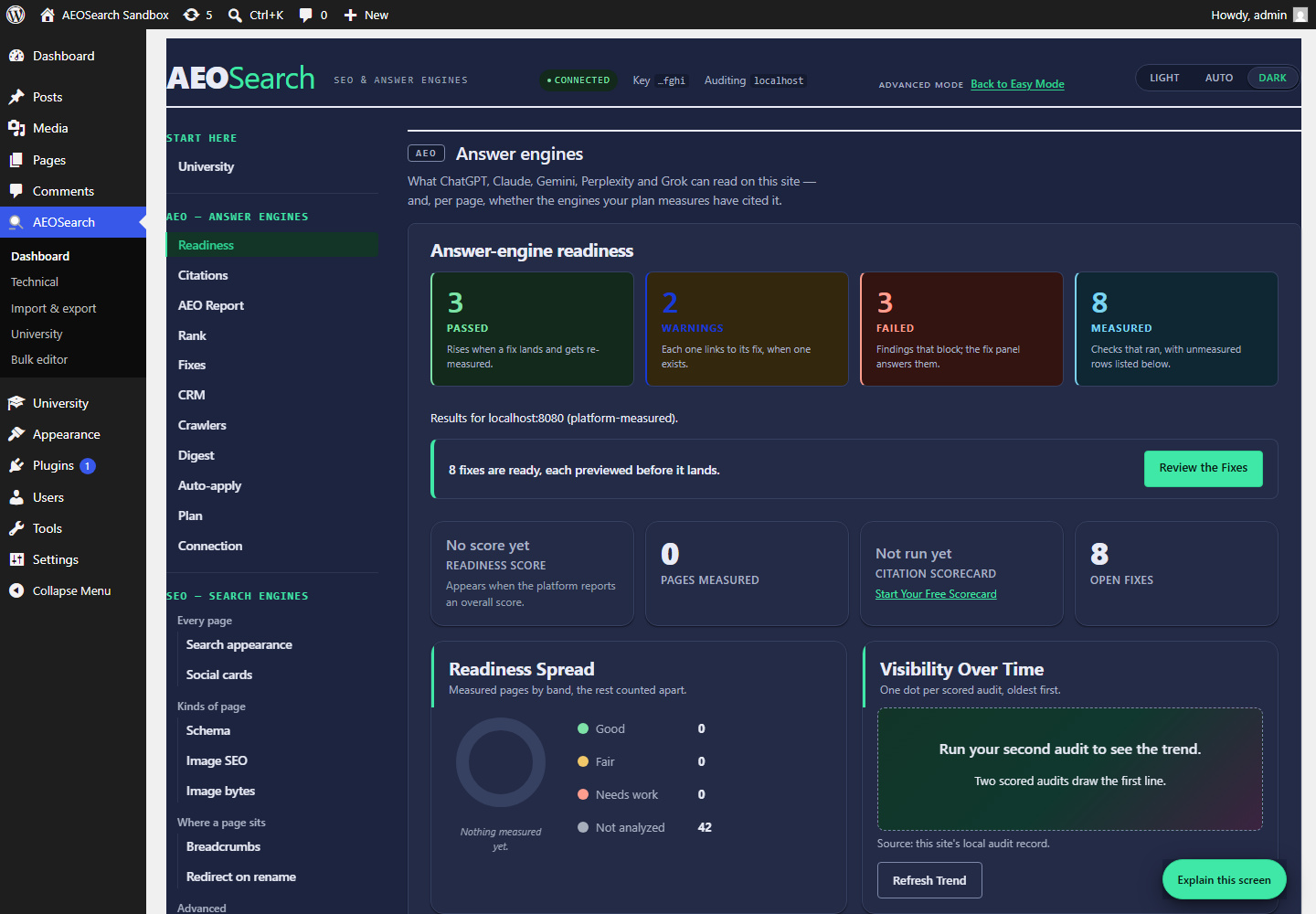
Every fix comes with its undo
Before anything changes, the plugin saves what was there and reads it back to be sure. If that save fails, the change doesn't happen and you're shown why, so you're never left without a way back.
Every other fix waits for you
Outside those four kinds, every fix shows its exact content, waits for your click, and comes back off in one. Putting one back first checks that you haven't edited the same words since, and stops rather than overwrite your work.
What we never touch
No fix rewrites a theme file or your posts. The robots.txt and .htaccess editors are the one exception, and each takes a backup before it writes.
Questions
Can auto-apply make a change I can't undo?
No. What was there is saved before anything changes, and the change doesn't happen if that save fails.
Does the kill switch remove what's already applied?
No. It stops future auto-applies; putting an existing one back is still one click of its own.
Install Free, Decide Later
Install free today and read your first answer